Installing an app outside the Play Store sounds scarier than it is. Here's exactly how to get the Sunflower Game APK onto your phone in a few minutes — and the few things worth checking first.
In this article (7 sections)
We get this question more than any other: "How do I actually download Sunflower Game?" Fair enough. Most people have only ever installed apps from the Play Store, so the idea of downloading an APK file feels a bit like wandering off the path. The good news is it's a few taps, and once you've done it once you'll never think about it again.
This guide covers the whole thing, start to finish. If you just want the button, it's on the download page. If you want to understand what you're doing — which we'd recommend — keep reading.
What you need before you start
- An Android phone running Android 6.0 or newer. Almost every phone sold in the last eight years qualifies.
- Around 150 MB of free space. The APK itself is smaller, but the game unpacks some files after install.
- A stable connection — Wi-Fi is best, but mobile data works fine.
- About three minutes.
Step 1: Download the APK from the right place
This is the part that actually matters. Only download the Sunflower Game APK using the link on sunflowergame.net. There are copycat sites that bundle old versions or, worse, modified files. If a site is offering a "mod" with unlimited coins, close the tab. Those files are the most common way people end up with junk on their phone.
Head to our download page and tap the big Download APK button. The official download page opens in a new tab — tap the download button there. Your browser may show a warning like "This type of file can harm your device." That message appears for every APK, from every website, regardless of what it is. Tap Download anyway.
Step 2: Allow installs from your browser
Android blocks installs from outside the Play Store by default, which is sensible. You only need to give permission to the specific app you're using to open the file — usually Chrome.
- Open the downloaded file from your notification bar or the Downloads folder.
- Android will say installs from this source aren't allowed. Tap Settings.
- Switch on Allow from this source.
- Press back, and the install screen will appear.
Step 3: Install and open
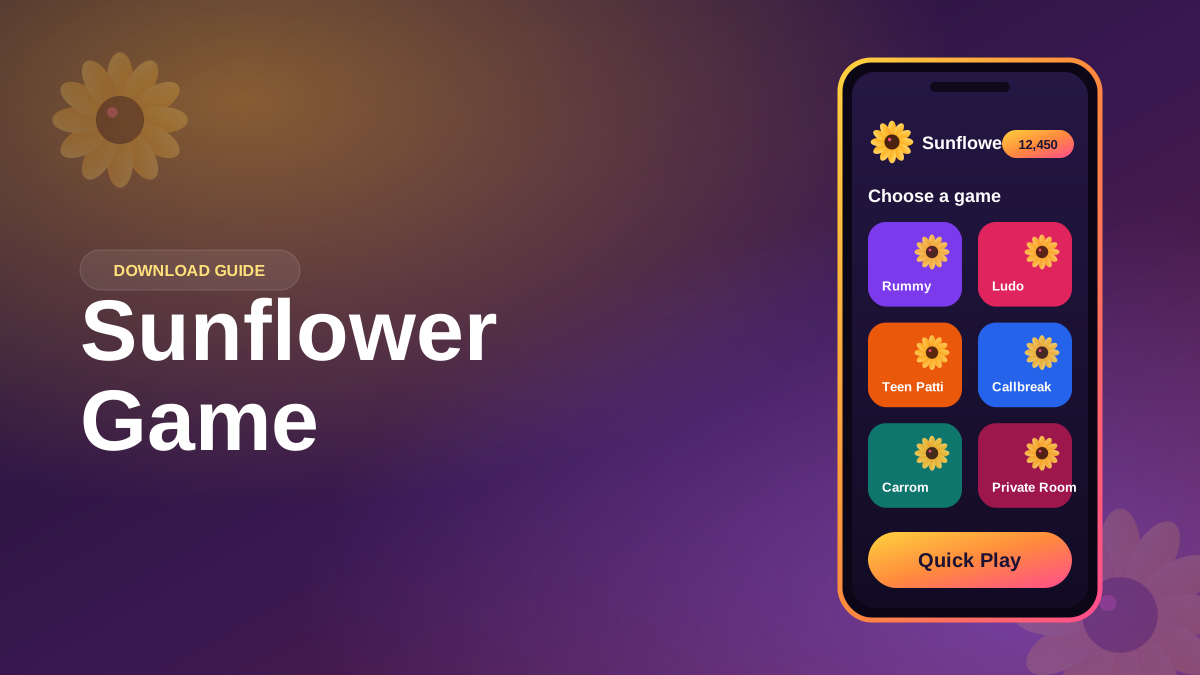
Tap Install. It takes 10 to 30 seconds depending on your phone. When it's done, tap Open, and you'll see the Sunflower Game loading screen. The first launch downloads a few extra graphics, so give it a moment.
From there you can sign up with your phone number or play as a guest. Guest mode is fine for trying things out, but if you want your progress saved across phones, link a number.
Common problems (and quick fixes)
"App not installed"
Usually this means an older version is already on the phone and something doesn't match. Uninstall the old one, then install the fresh download. If that doesn't do it, check you have enough free storage.
"There was a problem parsing the package"
The download didn't finish properly. Delete the file and download it again, ideally on Wi-Fi.
Play Protect warning
Google Play Protect sometimes flags apps simply because they weren't installed through the Play Store. If you used the download link on our site, tap More details → Install anyway. If you downloaded from anywhere else, don't — delete it and grab the real file.
What about iPhone?
Right now Sunflower Game is Android only. iPhones don't allow APK files, and we're not going to suggest workarounds that involve sketchy profiles. When an iOS version is ready, we'll announce it here on the blog.
Keeping the game updated
The app tells you when a new version is out. If you ever want to check manually, we wrote a short guide on how to update Sunflower Game. Updates keep your progress, so there's nothing to lose.